Contents
Getting Started
Game of Darts is built around creating players, choosing a game mode, setting up the match, playing the game, and then reviewing your results.
To begin, add at least two players. If you have DartBot access, you can also add one human player and play against the DartBot AI opponent.
- Add at least two players, or one player when using DartBot.
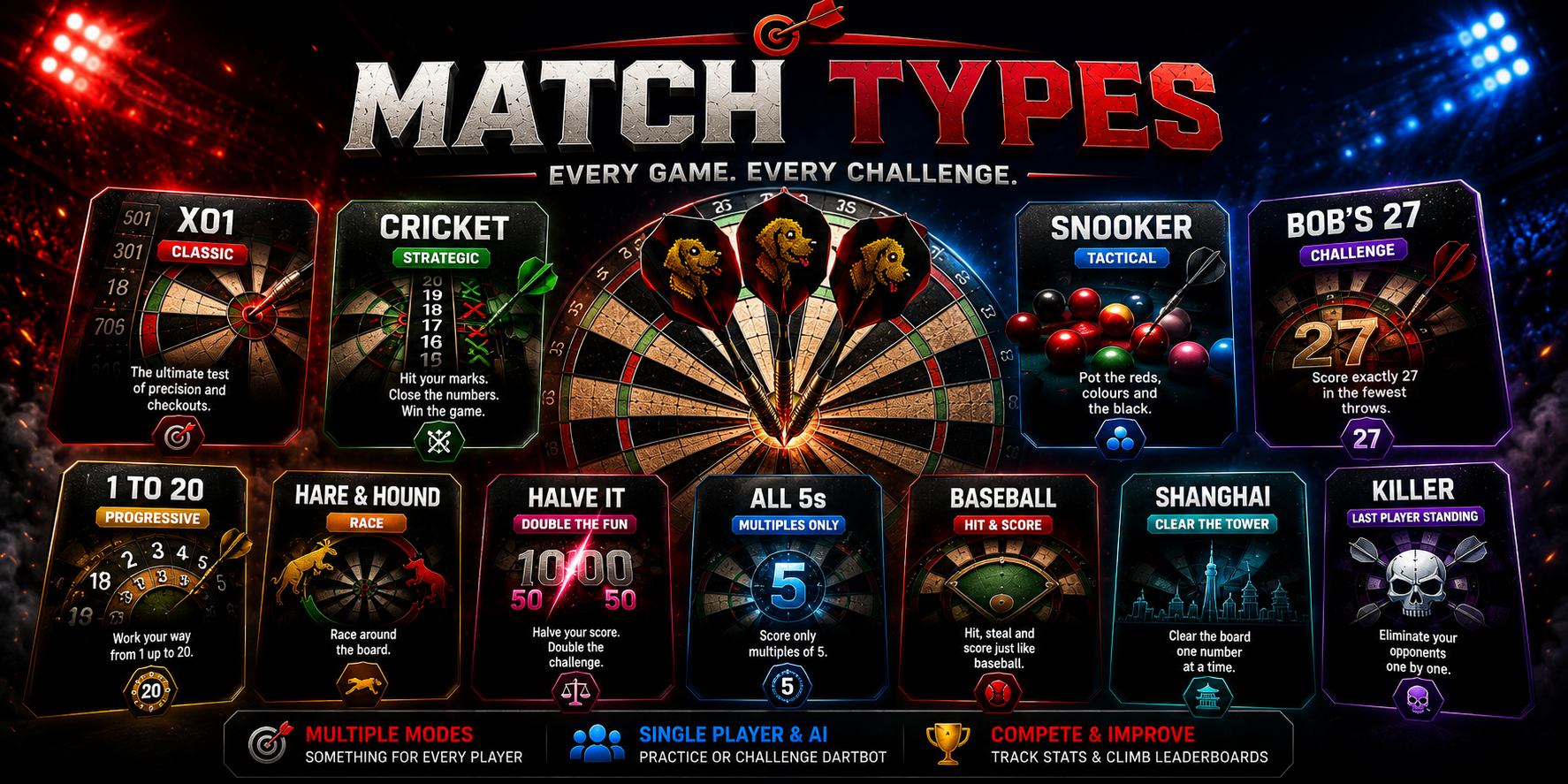
- Choose a game mode such as Match, Cricket, Snooker, Bob's 27, 1 to 20, Hare & Hound, Halve It, or All 5s.
- Configure the game options before starting.
- Play the match or training game.
- Review your statistics and results after play.
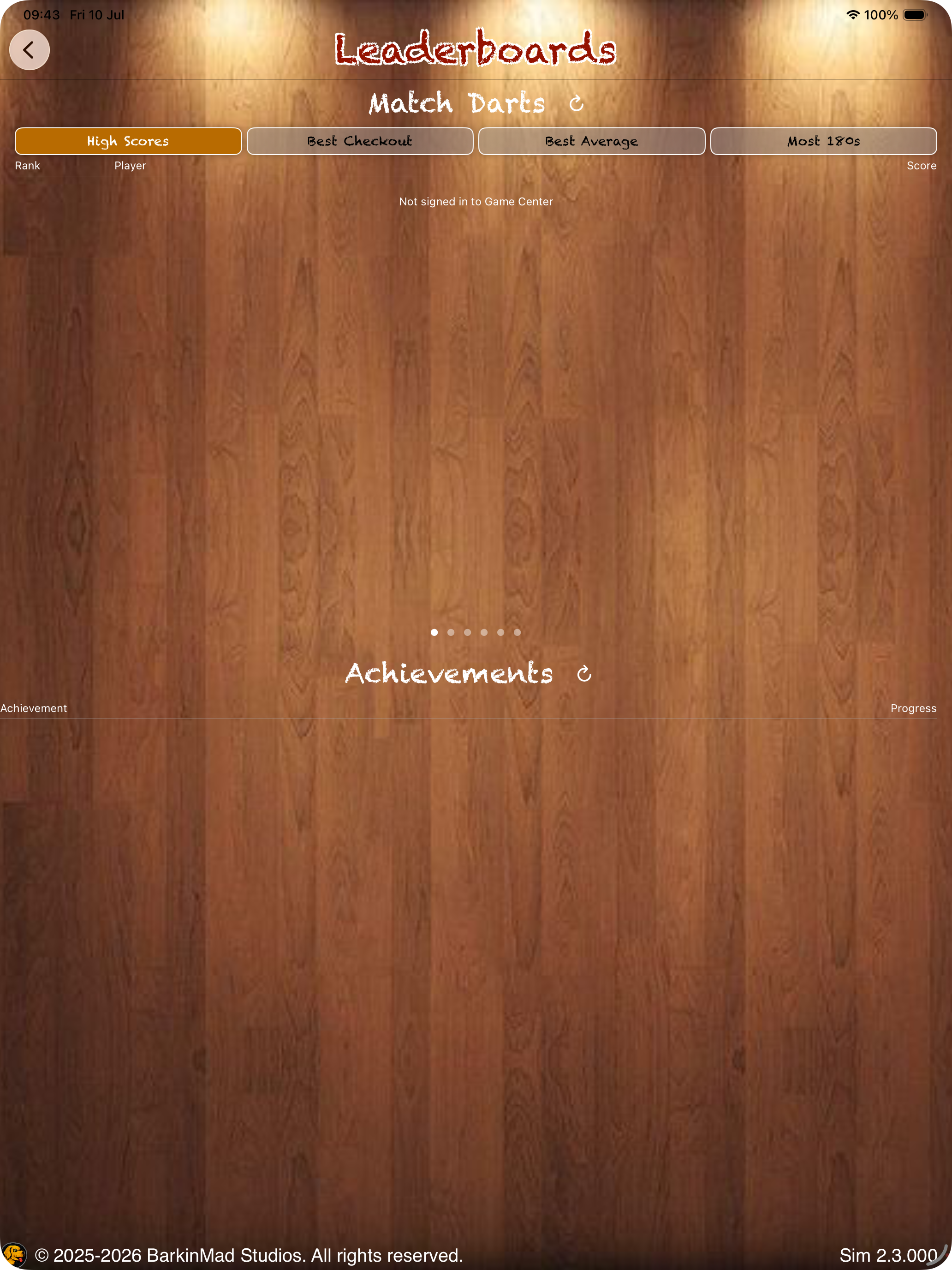
- Check leaderboards and achievements through Game Center where available.
- Finish 10 full games in a single app session to temporarily disable ads until the app is closed and reopened.
Managing Players
Players are managed from the main menu through the player screen. Add player names, remove players when needed, and use player statistics to track progress over time.
When Game Center is enabled, scores can be posted to leaderboards. Game Center supports the signed-in Apple ID, so multiple Game Center accounts cannot be used inside the same app session.
Players and statistics can sync across devices linked to the same Apple ID.
- Open the player screen from the main menu.
- Select the text field and type the player's name.
- Use the red X control to delete a player.
- Tap a player name to view stats.
- Select a game to view available statistics for that mode.
- Use filters to compare results across different periods.
- Some statistics screens have multiple pages that can be viewed by swiping left or right.
Online and Offline Play
The app monitors internet connectivity automatically. Online play allows cloud sync, leaderboards, and saved statistics. Offline mode applies limits to reduce the risk of unstable connections affecting data.
When online, player data and statistics can sync to the cloud and Game Center features can be used. When offline, some game settings may be limited, but DartBot can still be available.
- Online: cloud sync, leaderboards, saved stats, and ad-free session progress after 10 completed games.
- Offline: limited game settings and DartBot availability.
Ads and Unlocks
Ads help keep Game of Darts free to use. Banner ads are used during navigation and game setup screens. Gameplay itself does not use banner ads.
Rewarded interstitial ads may appear after games for continuation and unlock flows. Purchase options are available from the In-App Purchases page on the main menu.
- Complete 10 full matches in a single session to temporarily disable ads.
- Quitting before a game is won or lost does not count toward the 10 completed games.
- Purchase unlocks are available from the In-App Purchases page.
- DartBot access may be available through premium unlocks.
Game Center
Game Center lets players track scores, compare results with friends, compete globally, and unlock achievements.
Leaderboards and achievements require Game Center sign-in from device settings or when prompted in the app.
- Sign in to Apple Game Center.
- View leaderboards to compare scores globally or with friends.
- Unlock achievements by completing challenges in the app.
Keyboard Shortcuts
When an external keyboard is connected, several game modes support keyboard input for quicker score entry.
- Match Darts / X01: use 0–9 to enter scores.
- Press Enter to confirm a score.
- Press Delete to remove score input.
- Press U to undo the last score entered.
- Press Enter to confirm supported pop-up windows.
- All 5s and Halve It also support number entry, Enter to confirm, and Delete to remove score input.
- Standard hit/miss keypad shortcuts for Bob's 27, Hare & Hound, and 1 to 20 are under development outside simulator testing.
- Cricket keyboard shortcut support is under development.
Match Darts / X01 Rules
Match Darts supports classic X01 formats such as 301, 501, and 701. Each player starts with the selected score and subtracts their turn score until they reach exactly zero.
Players must finish on a double or the bullseye. A player busts if they go below zero or leave a score of one.
- A leg is one game of 301, 501, or 701.
- A set is won by being first to win the required number of legs.
- Best-of formats are commonly used for tournament-style matches.
Cricket Rules
Cricket uses numbers 15 to 20 and the bullseye. Each target must be hit three times to close it. Singles count as one mark, doubles count as two, and triples count as three.
Once a number is closed, a player may score on it until the opponent also closes that number. The winner is the player who closes all numbers and the bullseye while also having the higher score.
Snooker Darts Rules
Snooker Darts mirrors traditional snooker scoring. Board segments represent balls, and closing a number is treated like potting that ball. The aim is to close all numbers and finish with a higher score than the opponent.
To decide who starts, each player throws at the bullseye and the closest player begins. The starting player must first hit a red, represented by numbers 1 to 15. Each red scores one point. After a red, the player aims for a colour and should declare the intended colour before throwing.
- 1–15: Reds, 1 point each.
- 16: Yellow, 2 points.
- 17: Green, 3 points.
- 18: Brown, 4 points.
- 19: Blue, 5 points.
- 20: Pink, 6 points.
- Bullseye: Black, 7 points.
Bob's 27 Rules
Bob's 27 starts each player on 27 points. The objective is to hit doubles in order from Double 1 to Double 20, then finish on the bullseye.
Each round gives three darts at the designated double. Darts that hit the target double score that double's value. If all three darts miss the target double, the double's value is subtracted from the player's score.
- Double 1 is worth 2 points.
- Double 20 is worth 40 points.
- Missing all three darts subtracts the current double value.
- If a player's score drops to zero or below, that player is eliminated.
- A perfect game scores 1,437 points.
1 to 20 Rules
1 to 20 is a sequential target game. Players aim to hit numbers 1 through 20 in order. Each turn consists of three darts.
The first player to complete all numbers wins. Hit rate can be used to compare performance.
Hare & Hound Rules
Hare & Hound is a two-player chase game. The Hare starts on 1 and the Hound starts on 14.
When a player hits their current target, they advance to the next required segment. The Hare wins by reaching 20 before being caught. The Hound wins by catching the Hare.
Halve It Rules
In Halve It, target numbers are chosen before the game. Players only score by hitting the current target during their turn.
If a player misses the target with all three darts in a round, their score is halved and rounded down. The highest score at the end wins.
All 5s Rules
In All 5s, each turn totals the score from three darts. If the total is divisible by five, the player scores the total divided by five.
The first player to reach exactly 51 points wins. If a player exceeds 51, they bust and their score returns to what it was before that turn.
- Look for neighbouring segments that help create totals divisible by five.
- Useful target combinations include areas around 20 and 5, or 10 and 15.
Other Rules Included in the App
The source rules also include Killer, Shanghai, Baseball, and Golf. Some of these are development or placeholder modes depending on the app version and release menu availability.
- Killer: players become killers by hitting their double, then reduce opponents' lives.
- Shanghai: each round focuses on one number, with an instant win for hitting single, double, and triple of that number in one turn.
- Baseball: nine innings where only the inning number scores.
- Golf: target-number rounds where the lowest total score wins, depending on variant.
Statistics, Results and Leaderboards
After playing, Game of Darts lets players view statistics and results. Statistics are available per player and per supported game mode, with filters for different time periods where supported.
Leaderboards allow players to compare scores through Game Center, while achievements reward progress and special challenges.
Privacy
The app collects minimal data to support gameplay and display advertisements. Google AdMob may collect device information such as advertising identifiers, usage data, and anonymous metrics to display relevant ads.
Tracking choices are handled through the system prompt. Game stats and custom player names are stored for gameplay and are not intended to be shared as personal data outside the app's supported services.