
StudioDash Integrations

Contents

Built Around the Services You Already Use

StudioDash does not require you to replace the platforms you already use to publish, monetise and understand your apps. Instead, it brings useful information from supported services into a central dashboard.

This makes it easier to see relationships between different parts of your business. App performance can sit alongside advertising revenue, website activity, search performance and other available information rather than each being isolated inside a separate provider.

App Store Connect

Connect App Store Connect to bring information about your Apple app portfolio into StudioDash. This provides the foundation for monitoring your apps alongside revenue and information from your other connected services.

Available information can include app and release status, downloads, sales, ratings, reviews and other supported App Store data, depending on the permissions and information available to your account.

LevelPlay

For developers monetising apps with advertising, StudioDash can connect to LevelPlay and bring supported advertising performance and revenue information into your wider studio reporting.

This makes advertising revenue part of the same commercial picture as your other supported revenue sources, helping you understand how advertising contributes to individual apps and your portfolio as a whole.

Advertising Revenue

Advertising revenue may come from several networks even when mediation is managed through a single platform. StudioDash is designed to make this easier to understand by bringing supported advertising information into your revenue reporting.

Where supported data is available, StudioDash can help you understand the contribution of different advertising sources rather than treating advertising as a single unexplained total.

Google Analytics

Google Analytics can provide another view of how people interact with your digital products. StudioDash brings supported analytics information into the same workspace as your app, revenue and website reporting.

This helps keep audience and activity information visible without requiring Google Analytics to become another dashboard you need to check separately every day.

Cloudflare

If Cloudflare is part of your website infrastructure, StudioDash can bring supported website and service information into your studio dashboard.

Cloudflare information complements dedicated analytics and search data, helping you understand the operational side of your website alongside its visibility and audience performance.

Google Search Console

Connect Google Search Console to follow how your website appears in Google Search. Search performance provides useful context for understanding how people discover your website and the pages supporting your apps.

Bringing search information into StudioDash lets you monitor visibility alongside website activity and your wider app portfolio.

Google AdSense

For websites monetised through Google AdSense, StudioDash can include supported monetisation information alongside other studio revenue.

This helps website income remain visible as part of your wider business rather than being separated from revenue generated by your apps.

Firebase

Firebase and Google Analytics can provide useful information about app audiences and activity. Where supported information is available through your connected Google services, StudioDash can use it to add further context to app performance.

Combining audience information with downloads and revenue can provide a more useful picture than any of those figures viewed alone.

Know Which Connections Are Healthy

Connecting several services is only useful if you can tell whether they are working. StudioDash keeps provider health visible so you can quickly identify services that are operating normally and connections that may need attention.

A provider with no new information is not automatically treated as a failure. StudioDash helps distinguish between connection problems, configuration requirements and periods where a service simply has nothing new to report.

Keep Connected Data Up to Date

On Mac, StudioDash can keep supported provider information updated in the background. Different services can be refreshed independently, allowing StudioDash to keep useful information current without treating every provider as though it publishes data on the same schedule.

Manual refresh remains available whenever you want to request newly available information yourself.

Different Providers, Different Data

Every service exposes different information and updates it on its own schedule. StudioDash does not try to make fundamentally different services appear identical. Instead, it presents their information consistently while preserving the context needed to understand what each provider is reporting.

Recent figures can also change when providers finalise reports or make adjustments. StudioDash reflects updated information as it becomes available from connected services.

A Growing Integration Library

StudioDash is designed to support more services as the product grows. New integrations can extend the picture of your studio without changing the basic way you use the dashboard.

The aim is not to connect services simply to make the integration list longer. StudioDash focuses on integrations that provide useful information for understanding, operating and growing an app business.

Your Provider Accounts Remain Yours

StudioDash complements provider dashboards rather than replacing them. Account administration, billing, permissions and specialist configuration continue to be handled through the appropriate provider.

You choose which supported services to connect to StudioDash and can review their status from within the app.

Connect the Services Behind Your Apps

Bring information from your developer, advertising, analytics and website services into one workspace.

Running an app business often means relying on several different services. StudioDash connects supported platforms and brings their useful information together, giving you a broader view of your apps and studio without requiring you to repeatedly check every provider dashboard.

  • Connect app, advertising, analytics, website and search services.
  • Bring information from different providers into one consistent workspace.
  • See the health and update status of your connected services.
  • Choose the integrations that are relevant to your own studio.
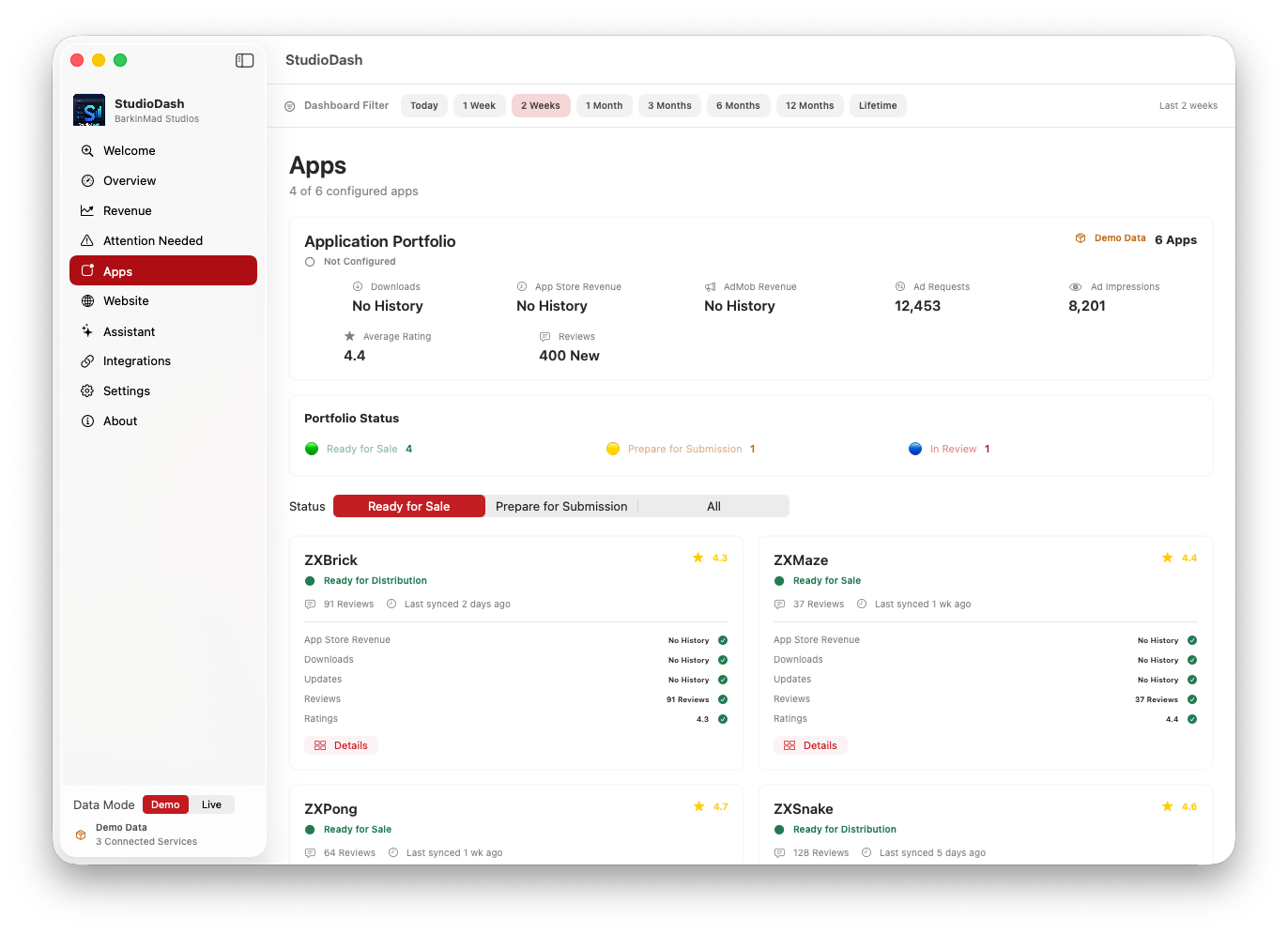
StudioDash integrations view showing connected services and provider status
Bring the services behind your apps together in StudioDash.