
StudioDash Revenue Analytics

Contents

One View of Your Studio Revenue

Revenue from an app business can come from several different places. App Store sales and purchases may sit alongside advertising income and other monetisation sources, each with its own reporting dashboard and update schedule.

StudioDash brings supported revenue information together so you can start with one commercial view of your portfolio and then explore the detail behind the total.

App Store & Advertising Revenue

StudioDash can combine supported App Store revenue with advertising information from connected monetisation services, helping you see how different income streams contribute to individual apps and your wider portfolio.

The exact information available depends on the services you connect and the reporting data each provider makes available.

  • App Store sales and supported revenue information.
  • Advertising revenue from supported mediation and advertising services.
  • Website monetisation information where supported.
  • Combined studio-level revenue reporting.

Understand Revenue by Source

A combined total tells you how much your studio generated, but not why. StudioDash lets you explore supported revenue sources separately so you can understand which services are contributing to the result.

This can be particularly useful for advertising, where several networks may contribute revenue through the same mediation setup.

  • Compare supported revenue providers.
  • See the contribution of different advertising sources where available.
  • Understand changes in your overall revenue mix.
  • Identify sources that are becoming more or less important.

See Which Apps Are Generating Revenue

Portfolio totals are useful, but app-level information helps you understand which products are actually driving the business.

Where supported data is available, StudioDash can break revenue down by app, making it easier to compare commercial performance across your portfolio.

  • Compare revenue across your apps.
  • Identify the products contributing most to your portfolio.
  • Put downloads and app activity into a commercial context.
  • See whether changes affect one app or the wider studio.

Understand Where Revenue Is Generated

Country-level reporting can provide another useful perspective on app performance. Where the connected provider supplies this information, StudioDash can show how revenue is distributed across different markets.

This can help you understand where an app is performing commercially and provide additional context when reviewing downloads, marketing activity, or regional changes.

Follow Revenue Over Time

StudioDash lets you explore supported revenue across different reporting periods so you can see how performance changes over time.

Daily and historical views make it easier to spot unusual changes, longer-term trends, and the effect of releases, promotions, advertising activity, or other events affecting your apps.

Measure Revenue Against Your Business Goals

Revenue becomes more useful when you can compare it with the targets you are trying to reach. StudioDash lets business goals provide that context, helping you see progress towards break-even or other financial objectives.

When a goal changes, historical reporting can preserve when that change occurred rather than applying today's target to every previous reporting period.

  • Track progress towards your current business goal.
  • Use break-even targets to put revenue into context.
  • Preserve historical goal changes.
  • Understand whether your studio is moving closer to its financial objectives.

Revenue Can Change After It Is First Reported

Advertising and other external providers may revise recent revenue after traffic has been validated or reporting periods have been finalised. This means a figure shown today may occasionally be adjusted by the provider later.

StudioDash is designed to reflect updated provider information as it becomes available so your reporting can move towards the provider's finalised figures rather than permanently preserving an early estimate.

Compare Short and Long-Term Performance

Looking at different time periods can help distinguish normal daily variation from a meaningful trend. StudioDash lets you explore revenue over the reporting ranges available in the app and compare current performance with your historical information.

This provides more context when deciding whether a revenue change deserves attention or is simply part of normal variation.

Look Beyond Revenue Alone

Generating revenue is only one part of running an app business. StudioDash is being designed to place income alongside other commercial information such as business goals and supported marketing or acquisition data.

This broader context can help you understand whether growth is efficient rather than judging success solely by an increasing revenue total.

Revenue Detail for Different StudioDash Plans

StudioDash is designed around Free, Pro, and Studio plans. Free provides a useful high-level view, while paid plans can provide access to more detailed revenue analysis and breakdowns.

This allows developers to start with a simple view of their commercial performance and access deeper reporting as their portfolio and reporting needs grow.

Build a Longer-Term View of Your Studio

StudioDash keeps useful historical information from supported providers so your revenue reporting becomes more valuable over time.

Instead of treating every provider report as a separate snapshot, historical information can help reveal longer-term changes across apps, advertising sources, markets, and your studio as a whole.

See Where Your Revenue Comes From

Bring supported App Store and advertising revenue together so you can understand the contribution of each source.

StudioDash gives you a clearer view of revenue that may otherwise be spread across several different services. Follow your overall results, compare supported sources, explore performance by app, country, and date where available, and investigate changes without manually combining separate provider reports.

  • See combined revenue from supported sources.
  • Explore revenue by app, source, country, and date where available.
  • Compare performance across different reporting periods.
  • Keep business goals visible alongside your results.
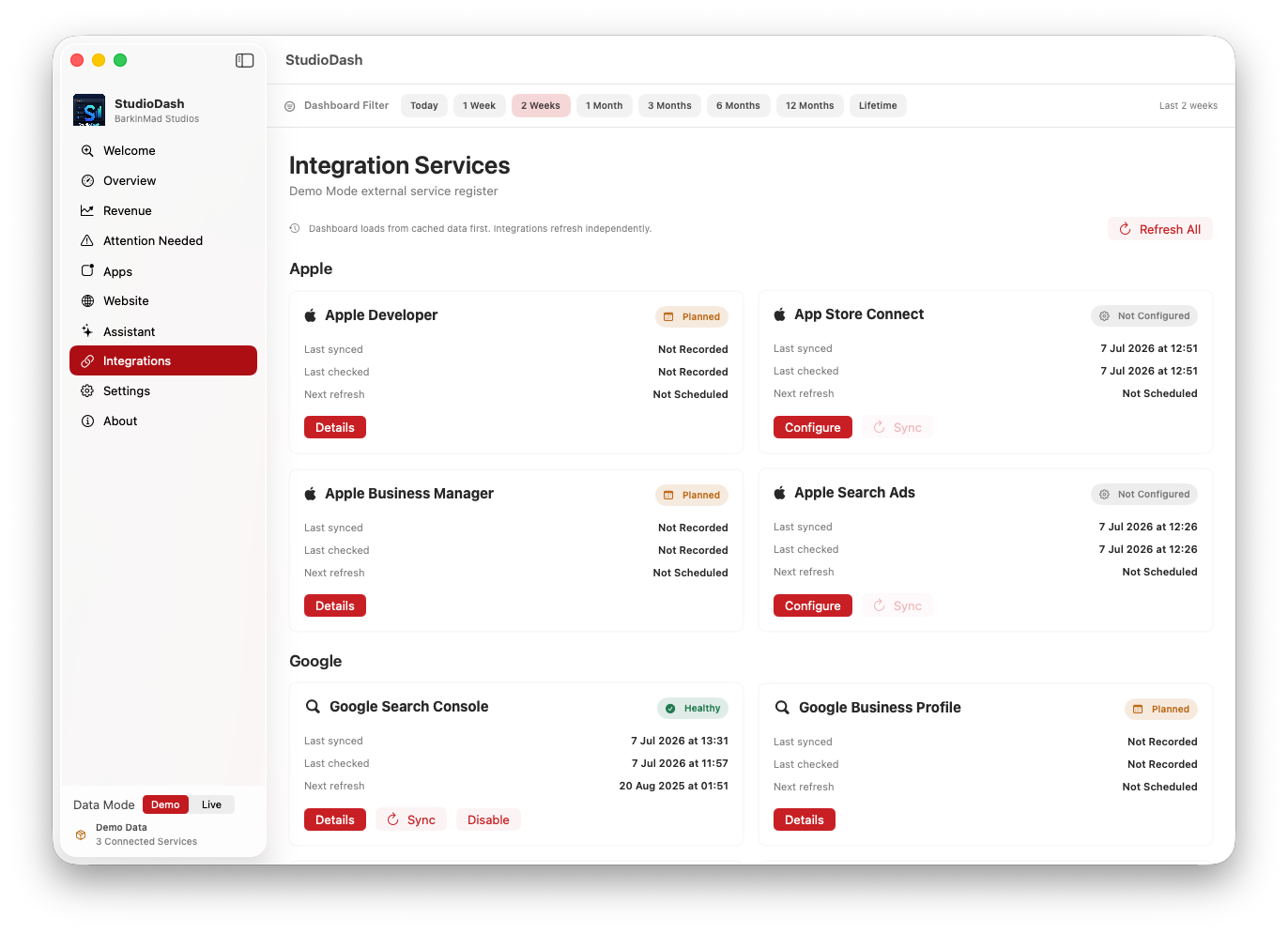
StudioDash revenue analytics showing revenue sources and historical trends
Understand how your apps and revenue sources contribute to your studio.