Contents

Reporting purpose

StudioDash reporting is designed around the questions developers ask during a regular product review: what changed, which app or provider caused the movement, whether the data is current, and what deserves deeper investigation.

The reporting experience should be useful before a formal export exists. A developer can use the dashboard, revenue, App Store, website, and integration pages as connected reporting surfaces, then move into richer exports and scheduled summaries as those features are released.

Current reporting surfaces

The public StudioDash documentation describes reporting as a connected workflow rather than one isolated page. The main reporting inputs are the dashboard overview, revenue analytics, app and App Store analytics, website and SEO analytics, integration health, and sync state.

Those surfaces combine selected-period metrics with current operational status. That distinction matters: revenue, downloads, visitors, search clicks, and trend values can be period-based, while provider health, app lifecycle, validation state, and attention items describe the latest known state.

  • Selected-period summaries for revenue, downloads, website traffic, search visibility, and provider metrics where data is available.
  • Revenue breakdowns by app, provider, country, and date where supported by provider data.
  • Website and SEO reporting for Cloudflare traffic and Google Search Console visibility.
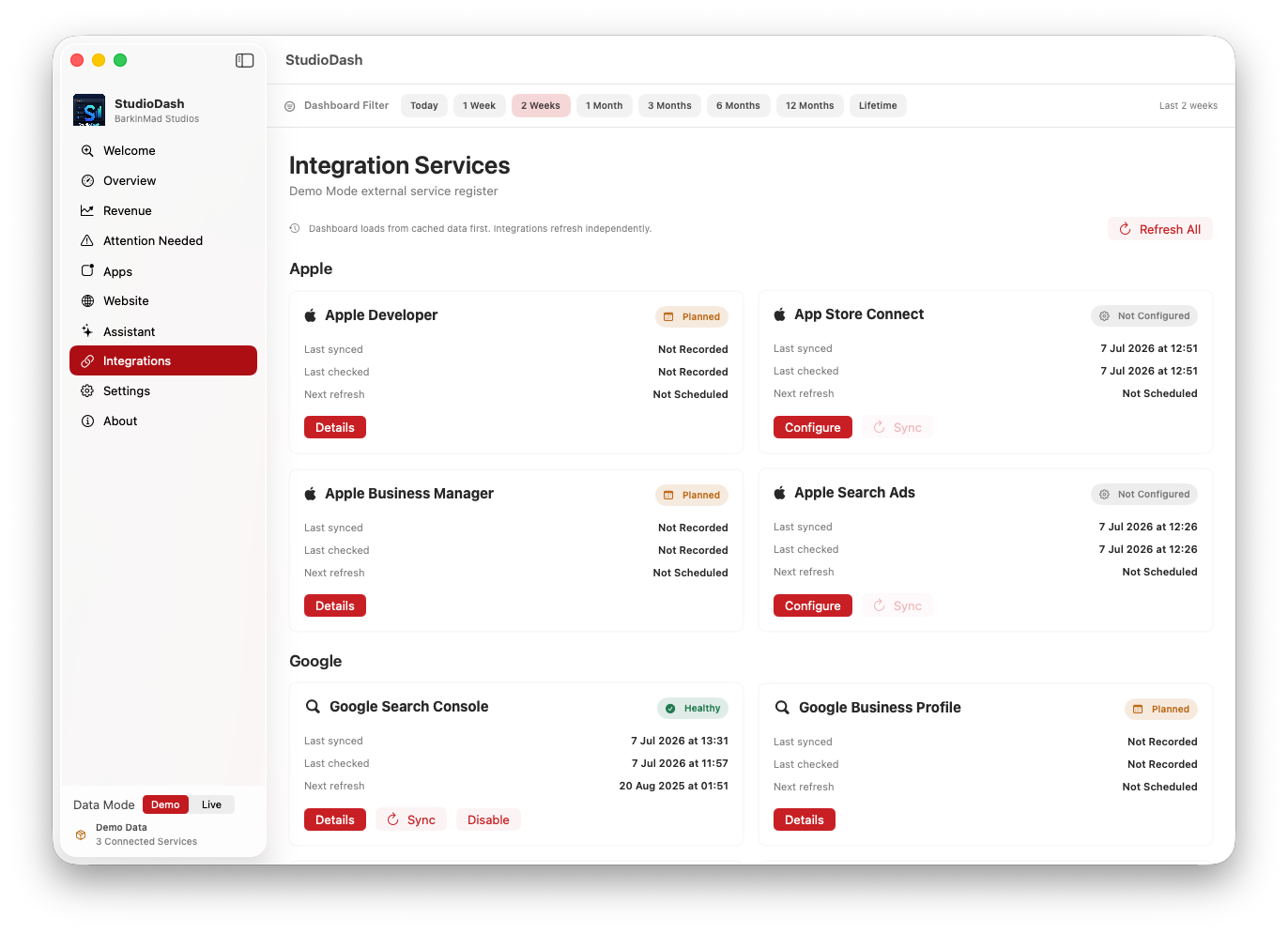
  • Provider health, last sync, last check, next refresh, cache health, and setup state for operational review.
  • Clear no-data, not-configured, and placeholder wording when a provider has not returned reportable data.

How to read reports

Start with the selected reporting period, then check whether the provider data behind the metric is available for that range. If StudioDash shows zero for a provider with known history, that means the selected period has no matching data. If it shows no history or setup wording, the provider or app may not have returned usable data yet.

Use app-level and provider-level views together. A revenue change may come from App Store data, AdMob data, website monetisation, a missing provider, or a reporting gap. Website traffic changes may need to be read beside release timing, search visibility, and provider health.

  • Confirm the selected period before comparing totals.
  • Check provider health before treating a missing metric as a product problem.
  • Use app, country, date, and provider breakdowns to narrow the cause of a movement.
  • Treat demo, placeholder, planned, and live data labels as meaningful context.

Export and scheduled reporting

CSV export, PDF export, scheduled reports, forecasting, AI summaries, and deeper portfolio reporting are documented as roadmap or tier-linked product direction unless a public release confirms availability.

The intended direction is straightforward: Pro-level reporting should help with deeper analysis and exportable data, while Studio-level reporting should support portfolio intelligence, scheduled summaries, forecasting, and richer automation. Public documentation should keep that distinction clear while StudioDash remains in private beta preparation.

Reporting built for repeat review

StudioDash reporting starts from the same selected-period model used by the dashboard, revenue, app, website, and provider views.

The reporting workflow is intended to help developers review performance without rebuilding the same comparison by hand every time. A report should explain the period being reviewed, the providers involved, the metrics that changed, and the areas where missing data or setup state affects the result.

  • Keeps period, provider, and app context visible while reviewing results.
  • Separates current-state operational checks from selected-period metrics.
  • Treats export, PDF, scheduled reports, forecasting, and AI summaries as roadmap or tier-linked areas until publicly released.
StudioDash revenue and trend review screen used as a temporary reporting showcase
Reporting uses the current revenue and trend review artwork until dedicated report screenshots are available.